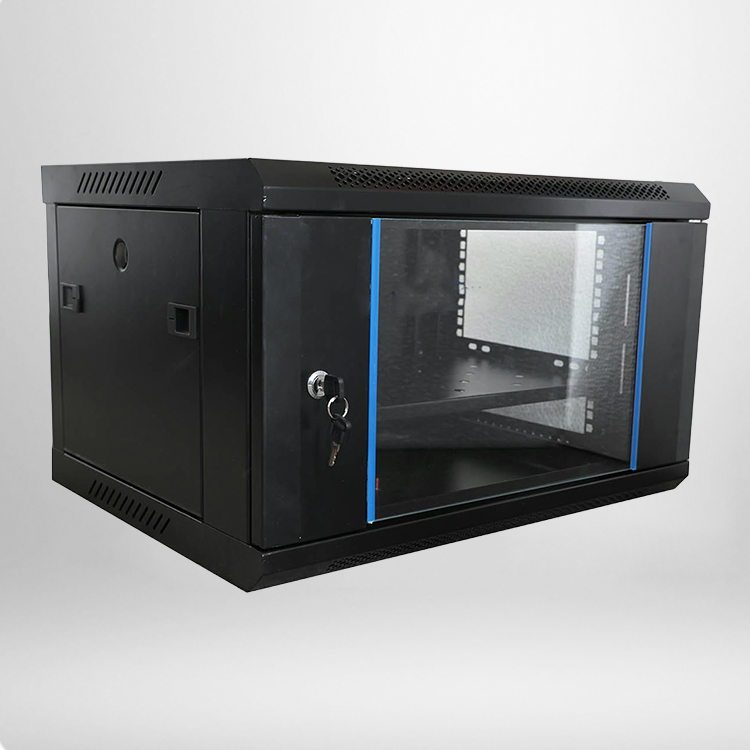
If you are setting up a small office network or home IT system, you may pause and ask this simple question. Many people buy a cabinet, fill it with switches and routers, then worry whether extra fans are a must-have upgrade. The short answer is: it depends. Fans are not always required, but they become important once heat builds up inside the closed enclosure. A wall mounted network cabinet has limited internal space compared with larger floor racks, so heat can trap quickly if you stack many powered devices together. This article breaks down real-world cooling rules, helps you judge your own setup, and shares practical thermal best practices.
Passive Cooling Basics For Wall Mounted Network Cabinets
Passive cooling relies on natural convection. Hot air rises and escapes through top vents, while cooler room air flows in from lower openings. This method works only under the right conditions. Most standard cabinets have perforated mesh doors, top vent slots and bottom air gaps to support this airflow.
Many low-heat setups run safely without fans. Patch panels, blank panels and simple unmanaged switches produce almost no heat. If your cabinet only holds these quiet devices, passive ventilation is usually enough. The trouble starts when you add PoE switches, firewalls, small UPS units or multiple managed routers. These items continuously release heat, and that heat cannot escape fast enough inside a sealed cabinet shell.
The table below lists common thermal thresholds for typical indoor installations. These values come from standard IT hardware operating ranges and field thermal testing for compact wall-mounted enclosures.
| Heat Load | Ambient Room Temp | Recommended Cooling Method | Expected Internal Rise |
|---|---|---|---|
| <150 W | Below 26°C | Passive mesh ventilation | 3–6°C |
| 150–300 W | 24–28°C | Optional thermostat fan tray | 6–12°C |
| 300–450 W | Above 27°C | Active fan cooling required | 12–18°C |
| >450 W | Any indoor temp | Fans plus conditioned room air | Risk of overheating |
Keep in mind that mesh door perforation area matters. Doors with less than 50% open space block airflow and weaken passive cooling, even at low wattage loads. Glass solid doors are the worst choice for heat-heavy hardware, as they hold hot air inside with almost no natural outflow.
Clear Signs That You Should Add Cabinet Fans
There are easy signs you can watch for, no special thermal tools needed. First, check if your equipment feels warm to touch after running for several hours. If the top surface of your switch or firewall stays consistently hot, that is a warning signal. Second, notice random connection drops, unstable PoE ports or frequent device reboots. Many network devices throttle performance or restart automatically once internal temperature crosses the manufacturer limit.
Location also changes the cooling requirement. A cabinet fitted inside a cool, air-conditioned office closet behaves differently from one mounted in a storage room, garage or utility cupboard. These secondary spaces often have higher baseline temperatures and poor background air movement. Even a modest heat load can push hardware out of its safe operating window.
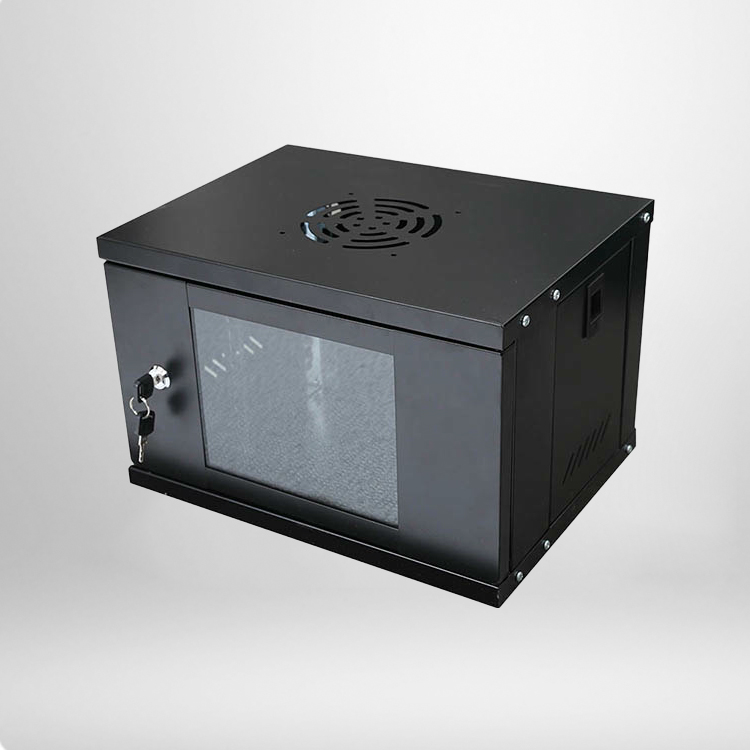
Fan kits for these cabinets are usually simple. Most fit the top panel, pull hot air outward and create steady upward airflow. Thermostat-controlled models turn on only when temperature rises above a preset point, saving power and cutting running noise. This is a popular middle choice for users who do not want fans running 24 hours a day.
Common Cooling Mistakes To Avoid
A lot of users add fans but still run into overheating problems, usually because of simple setup errors. One frequent mistake is blocking intake vents with thick cable bundles. If you pack cables tightly across the lower air openings, fresh air cannot enter, and the fan just recirculates trapped hot air. Clean cable routing and vertical cable bars help keep airflow channels open.
Another mistake is picking too many high-speed fans for a low-load setup. Extra loud fans create unnecessary noise in quiet office spaces. Cooling performance is measured by airflow, not fan count. A single quiet 120 mm fan can handle many small office loads, while four fast fans do not automatically make cooling better if the cabinet itself has limited vent area.
Do not expect fans to work magic in extremely hot spaces. Fans only move existing ambient air. They cannot cool air down below room temperature. If your mounting room regularly hits 32°C or higher, adding fans alone will not protect sensitive electronics. In that case, you need to improve the room air conditioning or relocate the hardware.
Frequently Asked Questions
Can I Use A Wall Mounted Network Cabinet With Only Passive Cooling?
Yes, when total heat load stays below roughly 150 watts and the cabinet uses mesh vented doors in a cool indoor space. This fits basic setups with patch panels and one low-power unmanaged switch. Always leave clearance around the cabinet walls so surrounding air can circulate freely.
What Temperature Range Is Safe For Network Switches And Firewalls?
Most mainstream network hardware follows the widely accepted range of 18°C to 27°C for optimal operation. Short spikes up to 32°C are often tolerated, but long stays above this mark shorten component life and raise failure chances. It is good practice to keep cabinet internal air under 30°C for critical business networks.
Should I Choose A Fixed-Speed Fan Or Thermostat Fan Tray?
Thermostat fan trays are the better pick for most users. They activate on heat demand and stay silent when the cabinet remains cool. Fixed-speed fans are cheaper, yet they run continuously and add steady background noise. Fixed fans may suit industrial or unmanned utility rooms where noise is not a concern.
Does A Swing-Out Cabinet Design Change Cooling Needs?
The swing-out frame makes maintenance easier, but it does not improve natural cooling. The sealed shell stays the same size, and heat buildup follows the same rules. You still calculate heat load and room temperature the same way you would for a standard fixed wall mounted network cabinet.