
You just mounted your switches, patch panels, and that heavy UPS, and now the thought keeps nagging you: is this rack going to hold? It is a fair question. Nobody wants to find a sagging frame or, worse, a bent cabinet holding a few thousand dollars’ worth of equipment. The short answer is that most standard standing network racks are rated for 800 kg to 1,500 kg, but the number on the spec sheet only tells half the story. Load rating is not the same as “load everything everywhere.” This article walks you through how rack weight limits really work, what the numbers mean, and how to load a standing network rack safely so your gear stays put for years.
What Is a Standing Network Rack?
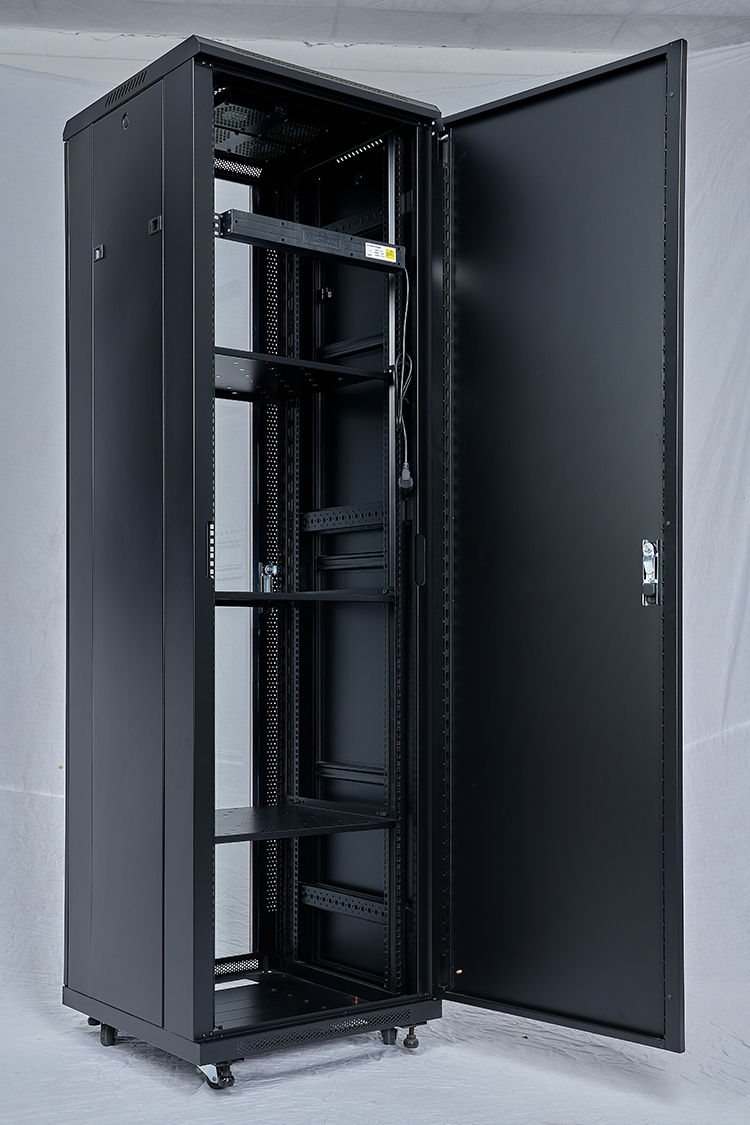
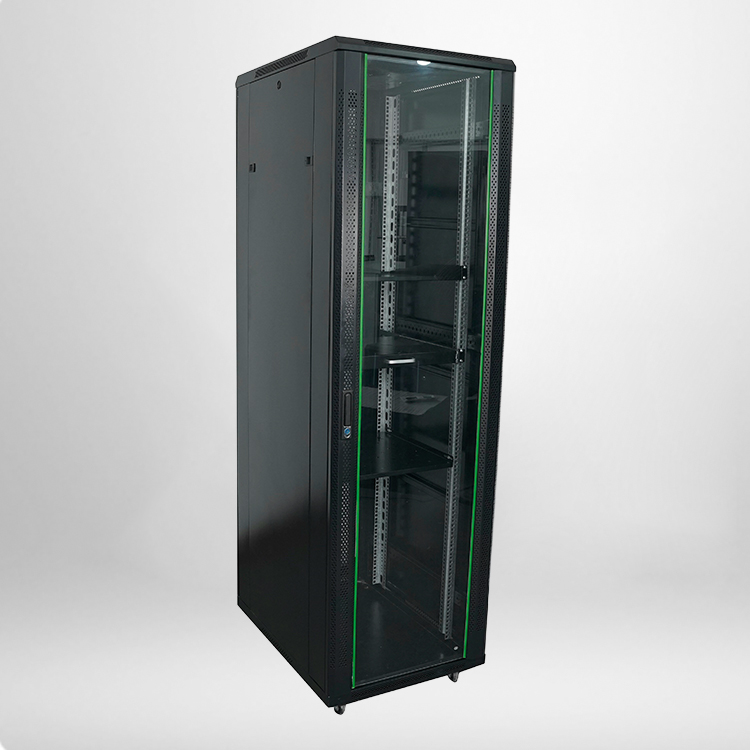
A standing network rack is a freestanding cabinet or open frame that holds servers, switches, routers, PDUs, and other network hardware. Unlike wall-mounted racks, it sits on the floor and carries its own weight plus everything bolted into it. Because it stands alone, its design has to deal with two things a wall rack never worries about: the total vertical load and the risk of tipping. Both come back to one practical question that most buyers end up asking sooner or later — how much can this standing network rack actually take before the frame starts to complain?
What Do Rack Load Ratings Actually Mean?
Every serious rack lists a static load capacity, usually in kilograms. That figure comes from factory tests where the frame is loaded evenly across its rails until it deforms or fails. For a standard standing network rack, the typical range looks like this:
Common load ratings for standing network racks
| Rack Type | Typical Static Load | Frame Material | Typical Use |
|---|---|---|---|
| Light-duty open frame | 500–800 kg | 1.2 mm steel | Small offices, patch panels |
| Standard closed cabinet | 800–1,200 kg | 1.5 mm steel | General server rooms |
| Heavy-duty cabinet | 1,200–1,500 kg+ | 2.0 mm steel | Data centers, high-density gear |
| Seismic-rated cabinet | 1,000–1,500 kg | Reinforced steel | Earthquake-prone regions |
The keyword is “static.” A static rating assumes the load sits still and is spread evenly. It does not assume you will hang a single heavy UPS on one pair of rails at the top while leaving the bottom empty. Real loading is never that tidy.
Static Load vs. Dynamic Load vs. Point Load
This is where most people misread the spec sheet. Three different numbers matter, and they are not interchangeable.
- Static load is the total weight the rack can support when everything is stationary. This is the number manufacturers usually advertise.
- Dynamic load applies when equipment moves, vibrates, or is repeatedly pushed and pulled — think slides being extended with a heavy server on them. Dynamic ratings are much lower, often 30–50% of the static figure.
- Point load is the weight pressing down on a single small area, such as one set of rails. A rack rated for 1,000 kg total may still bend if you park 300 kg on a single un-reinforced shelf at the top.
The practical takeaway: do not load a standing network rack up to its full static number and assume every shelf is equally strong. Spread the weight from bottom to top, with the heaviest items lowest.
How to Calculate Whether Your Load Is Safe
A quick way to check your setup is to add up the weight of everything you plan to install and compare it to the rated capacity — but with a safety margin. The rule of thumb most field engineers use is to stay under 70% of the static rating for normal operation, and under that same 70% at every individual mounting level.
Sample load check for a 1000 kg standing network rack
| Position | Equipment | Weight per Unit | Running Total |
|---|---|---|---|
| U 1–2 (bottom) | UPS (battery) | 60 kg | 60 kg |
| U 3–4 | Heavy switches | 25 kg | 85 kg |
| U 5–10 | Patch panels, light gear | 30 kg | 115 kg |
| U 11–20 | Servers | 200 kg | 315 kg |
| Total | — | — | 315 kg |
At 315 kg against a 1,000 kg static rating, you are sitting at about 31% — well within a comfortable margin, and spread low where the frame is strongest. That pattern, heavy on the bottom and light near the top, is exactly the profile a standing network rack is built for.
Common Mistakes That Push a Rack Past Its Limit
Load failures rarely come from one giant piece of gear. They usually creep in through small habits that add weight and stress over time:
- Loading top-heavy. Putting the heaviest units high up raises the center of gravity and increases tipping risk far more than it adds structural stress.
- Ignoring rail capacity. Racks have both a total rating and a per-shelf rating. Overloading one pair of rails bypasses the safety the total number implies.
- Mixing unsupported shelves. Extra shelves and drawers add weight nobody counted when the rack was specced.
- Over-tightening or under-tightening bolts. Loose hardware lets the frame flex; over-tightening can strip threads in thinner steel.
- Skipping floor stability. A rack that is fully loaded but on uneven floors, casters, or no anchoring is a tipping hazard even when it is nowhere near its weight limit.
How to Load a Standing Network Rack Safely
Follow these rules and the weight question mostly answers itself.
- Heavy items go low. UPS units, battery packs, and large switches belong in the bottom third.
- Work from the middle outward. Distribute weight across multiple mounting levels instead of concentrating it.
- Anchor the rack. Bolt it to the floor or use stabilizers, especially if it is over 600 kg or in a seismic zone.
- Use matching rails and shelves. Only use rails and shelves rated for at least the weight you put on them.
- Leave headroom for cable and airflow. Packing gear to the rail edge adds weight and blocks cooling at the same time.
- Check fasteners regularly. A standing network rack carries real weight for years; a half-yearly look at the mounting bolts is cheap insurance.
When Should You Move to a Heavier Rack?
If your current standing network rack is consistently loaded past 70% of its static rating, or if you keep adding equipment with no plan to remove old gear, it is time to step up a class. Moving from a light-duty open frame to a standard closed cabinet, or from that to a heavy-duty model, buys you both more total capacity and better point-load distribution. The added cost is small compared with the risk of a frame that silently deforms and eventually lets a shelf drop.
FAQ
Q1: What is the safe weight limit for a standard standing network rack?
For most standard standing network racks, the safe working load is about 70% of the static rating — typically 800–1,000 kg of evenly spread equipment on a 1,200 kg rack. Keep the heaviest units in the lower half.
Q2: Can I put a heavy UPS at the top of a standing network rack?
It is not recommended. A UPS with batteries is dense, and placing it high raises the center of gravity and increases tipping risk. Mount heavy items low and keep upper levels for lighter patch panels and switches.
Q3: Does the rack’s weight rating include the equipment inside or just the rack itself?
The rating refers to the equipment and shelves you install inside, not the weight of the empty rack. The empty frame’s own weight is part of the structure, not part of the payload.
Q4: How do I know my standing network rack is overloaded?
Watch for a visible bow in the rails, difficulty sliding equipment, rattling joints, or a rack that shifts when you push on it. If you are above 70% of the rated load, redistribute the weight before adding anything else.
Q5: Are casters safe for a heavily loaded standing network rack?
Castors are meant for moving, not permanent loading. If a rack must stay in place, remove the castors and anchor it to the floor. Fully loaded racks on castors are far more prone to tipping.