
In the era of hybrid work and compact office designs, maximizing space efficiency while maintaining reliable IT infrastructure has become a top priority for businesses of all sizes. As 2026 brings continued growth in remote collaboration and edge computing, the demand for space-saving network solutions is higher than ever. A Network cabinet in Wall emerges as a game-changing solution, designed to house routers, switches, and small servers directly within wall structures, freeing up valuable floor space without compromising performance or security.
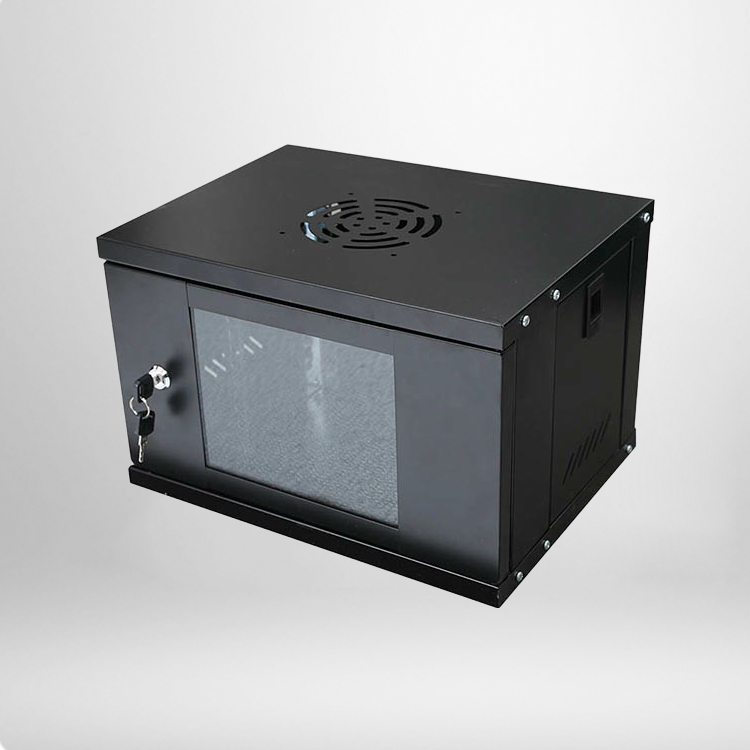
Traditional floor-standing network racks often consume 4-6 square feet of floor area, a luxury many modern offices—especially small businesses, co-working spaces, and retail locations—can no longer afford. Unlike these bulky alternatives, wall-integrated cabinets mount flush with or recessed into walls, blending seamlessly with office decor while keeping critical IT equipment organized and protected. With the global wall-mount network cabinet market projected to grow at 6.8% annually through 2032, these space-efficient solutions are quickly becoming a staple in modern workspace design.
Key Tips to Optimize Your Wall-Integrated Network Cabinet in 2026
To fully leverage the benefits of wall-integrated network storage, proper selection, installation, and maintenance are essential. These actionable strategies will help you enhance equipment performance, improve security, and maximize space savings, aligning with the evolving needs of 2026 workplaces.
1. Choose the Right Size and Load Capacity
Wall-integrated cabinets come in various sizes, typically ranging from 4U to 42U in height, to accommodate different equipment needs—from small routers and modems in home offices to multiple switches and patch panels in medium-sized businesses. When selecting a cabinet, calculate the total weight of your equipment (including the cabinet itself) and ensure it aligns with the cabinet’s load rating. Most 6U-12U models support 30-60 kg, while larger options can handle up to 100 kg, but it’s recommended to operate below 80% of the rated capacity for long-term stability.
Additionally, consider the depth of the cabinet to ensure it fits within your wall structure while providing enough space for equipment and proper cable management—typically 16 to 24 inches is sufficient for most office setups.
2. Prioritize Installation Safety and Wall Compatibility
The stability of your wall-integrated cabinet depends entirely on the wall structure and mounting hardware. Solid masonry or concrete walls are ideal, as they can support heavy loads with heavy-duty expansion anchors. For drywall or partition walls, always reinforce the mounting area by securing the cabinet to wall studs or using a reinforcement plate to distribute weight evenly.
Improper installation can lead to cabinet sagging, equipment damage, or even safety hazards. Consider hiring a professional installer to ensure proper alignment, secure fastening, and compliance with safety standards—especially for cabinets holding heavier equipment like small servers or UPS units.
3. Optimize Ventilation and Cable Management
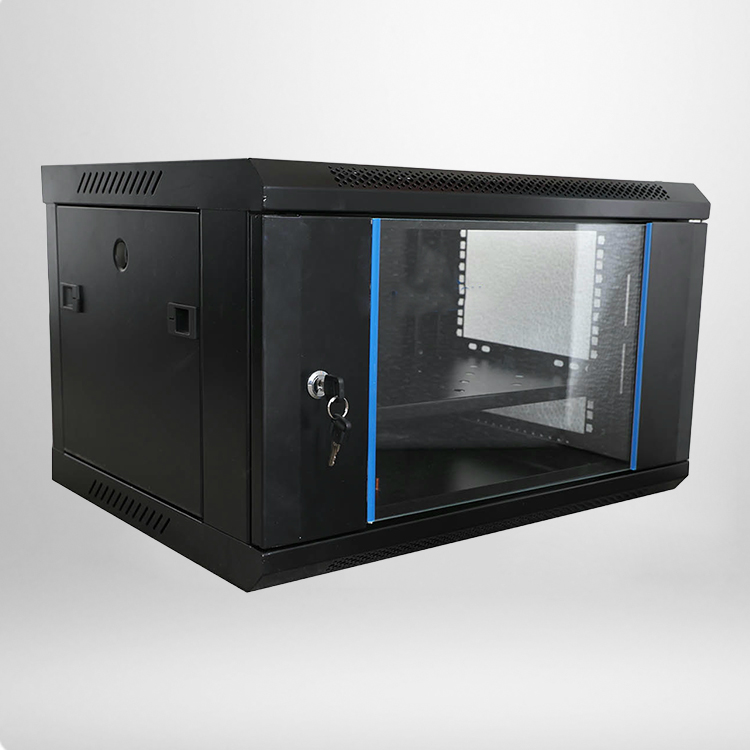
Wall-integrated cabinets face unique cooling challenges due to restricted air circulation. To prevent heat buildup (which can reduce equipment lifespan by 20-30%), choose models with mesh ventilation doors, side vents, or built-in fans to promote airflow. Aim to keep equipment operating within 68-77°F (20-25°C) for optimal performance, as temperatures above 90°F can cause immediate performance degradation.
Organized cable management is also critical. Look for cabinets with vertical cable channels, built-in, and top/bottom access points to keep cables neat, reduce tangling, and improve airflow. This not only simplifies maintenance but also reduces the risk of cable damage and signal interference.
4. Enhance Security and Accessibility
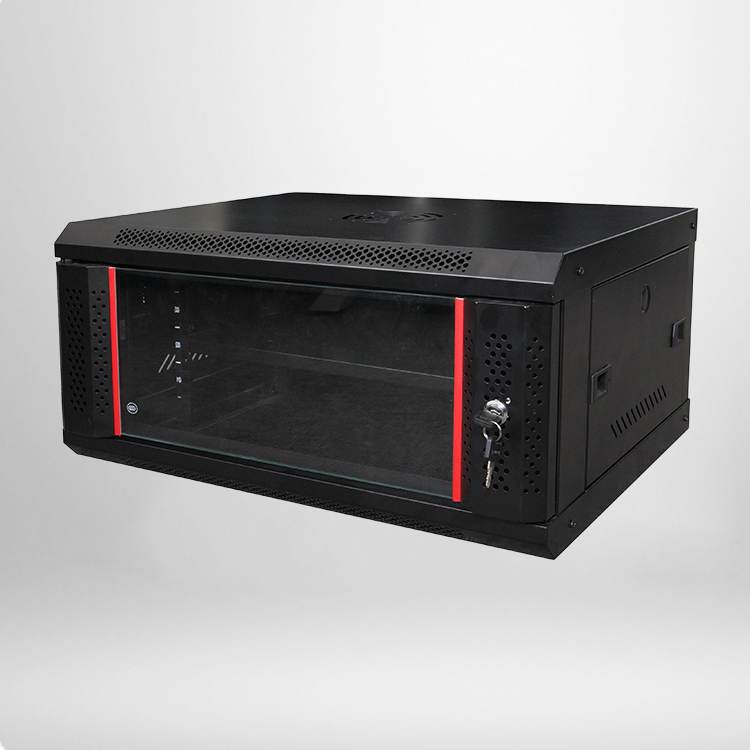
Protecting sensitive IT equipment from unauthorized access is essential for data security. Choose a wall-integrated cabinet with solid doors, locks, and tamper-proof fasteners to prevent theft or tampering. Tempered glass doors are a great option for visibility while maintaining security, allowing you to monitor equipment status without opening the cabinet.
For easy maintenance, select models with swing-out frames or removable doors, which provide full access to equipment from the front and rear. This reduces downtime during repairs or upgrades, ensuring your network remains operational.
Why Wall-Integrated Network Solutions Matter in 2026?
As offices continue to downsize and prioritize flexibility, the Network cabinet in Wall offers a perfect balance of space efficiency, performance, and security. These solutions not only save 50-70% more floor space compared to traditional racks but also improve workspace organization and reduce clutter. With the global office space market focusing on optimization and hybrid work models driving demand for compact IT infrastructure, wall-integrated cabinets are no longer a niche solution but a practical necessity for modern businesses.
By following these tips, you can ensure your wall-integrated network cabinet operates at peak performance, supporting your business’s IT needs while maximizing space efficiency. In 2026 and beyond, these space-saving solutions will remain a key asset for businesses looking to stay agile and competitive in a rapidly evolving workplace landscape.